Make complex industrial equipment easier to explain, sell, and train on.
We turn machinery, systems, and technical products into interactive 3D experiences your team can use to present equipment, train teams, capture buyer context, and support maintenance.
Built for industrial equipment · automation · material handling · robotics · bulk systems
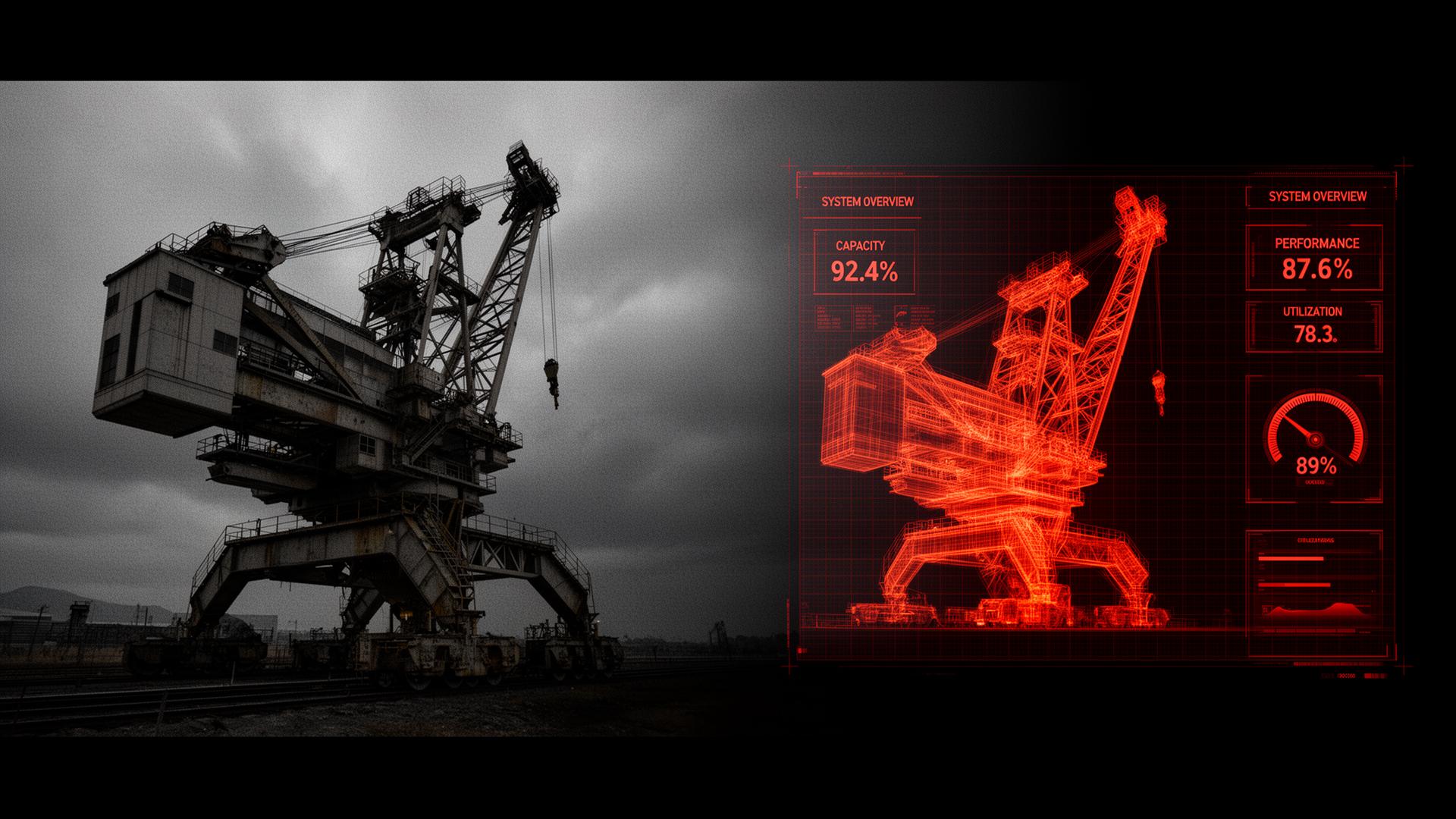
Your equipment may be impressive in person. But hard to explain on a screen.
- Unclear Machine Value
- Hidden Internal Systems
- Static Sales Materials
- Repeated Technical Explanations
- Expert-Dependent Training
- Passive Remote Presentations
Interactive 3D closes that gap by letting people see, explore, and understand equipment directly.
Four ways we help.
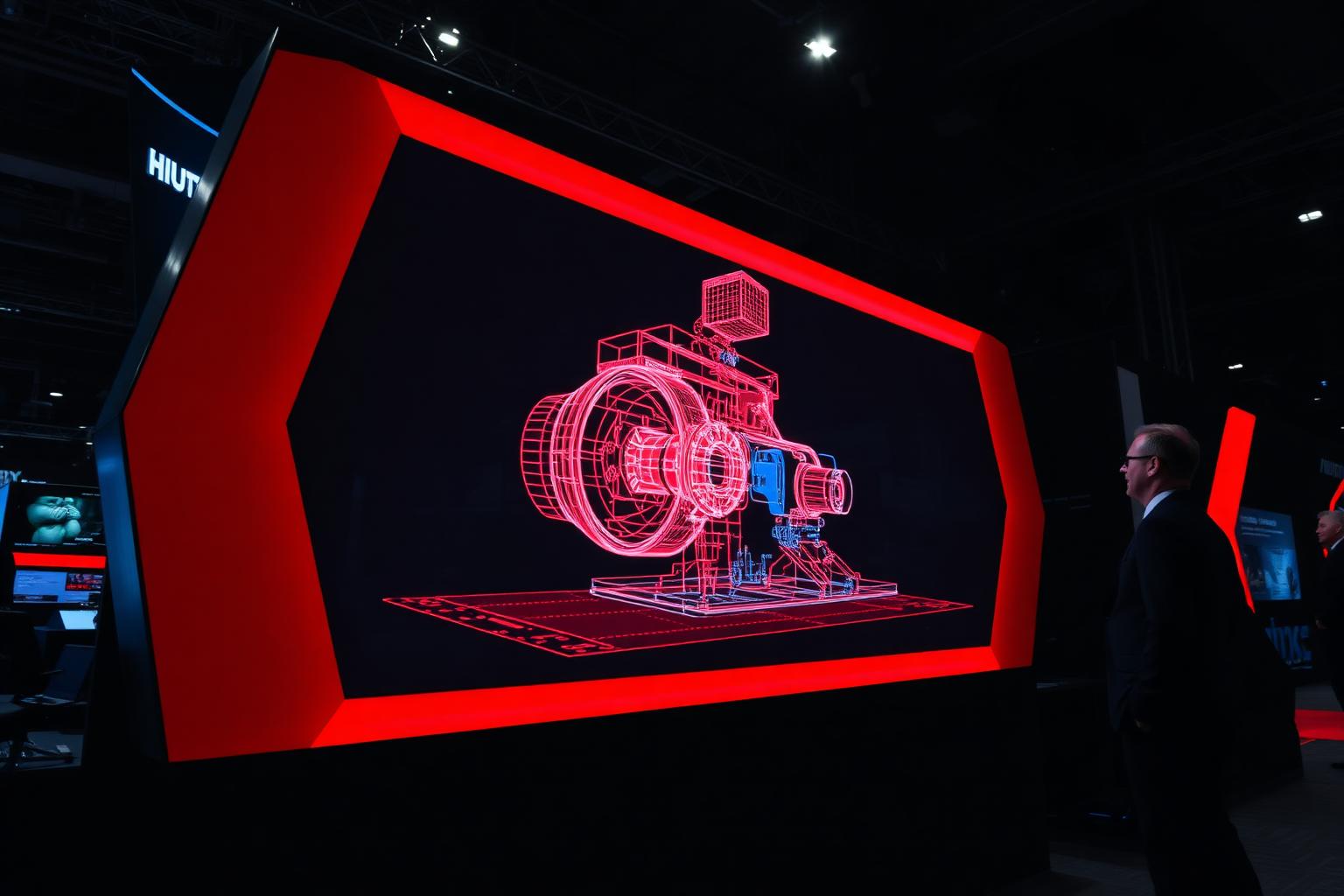
Sales & Trade Show Experiences
Interactive 3D experiences your team can run in meetings, trade shows, and remote calls.
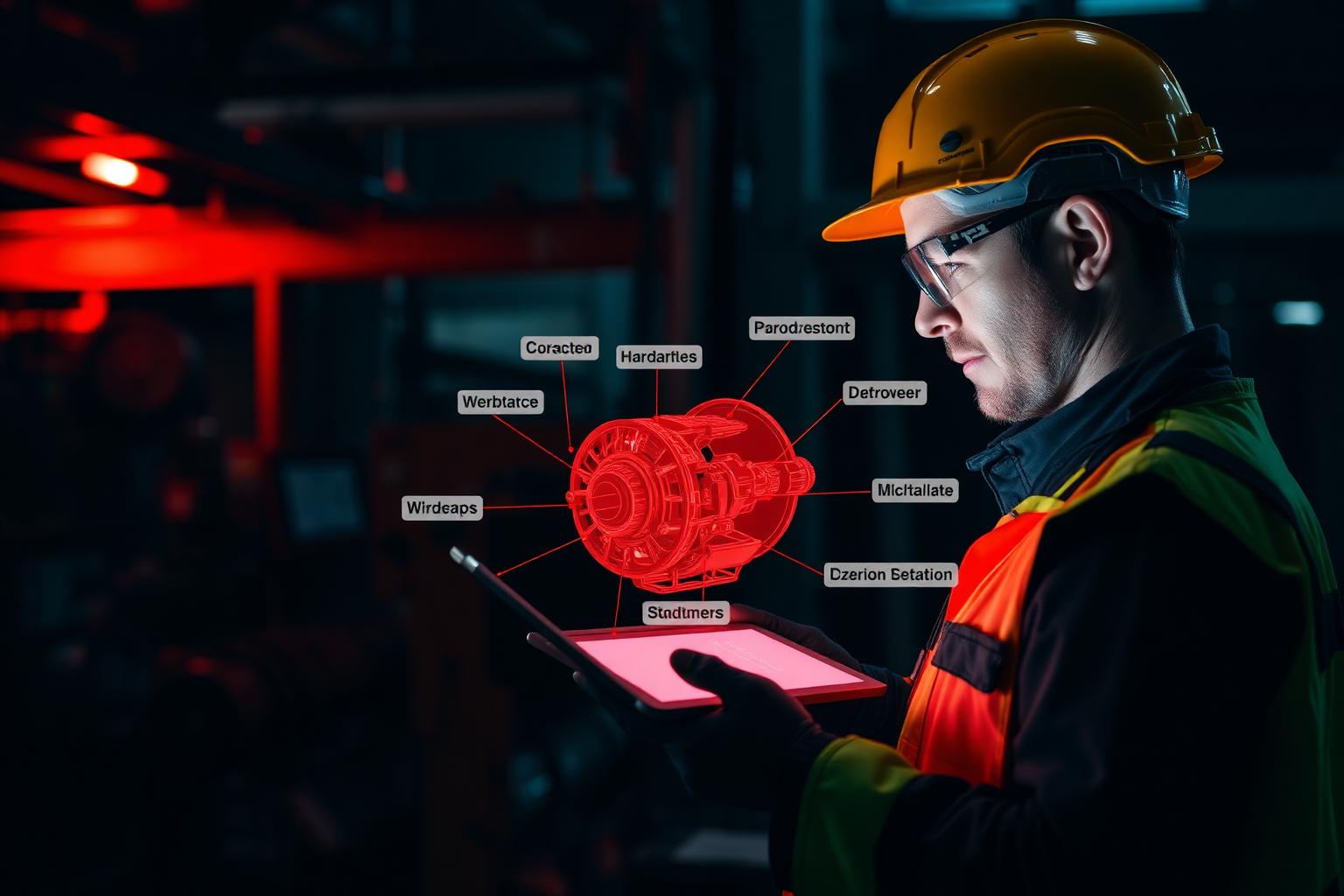
Training & Maintenance Modules
Visual, step-by-step training and service tools for operators, dealers, and technicians.
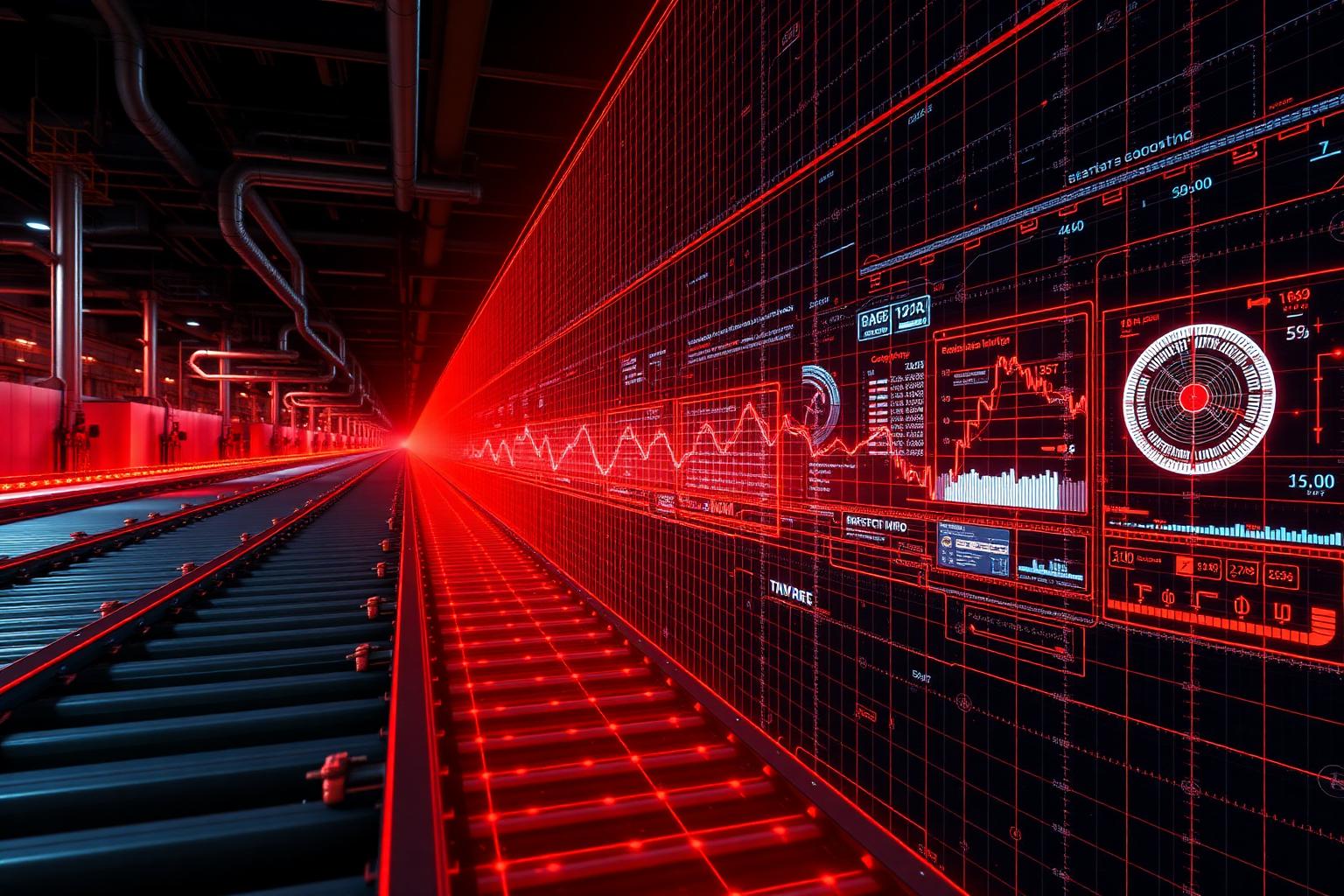
Digital Twin & Live Data Readiness
Connect interactive 3D to live or simulated sensor data, alerts, and machine health.
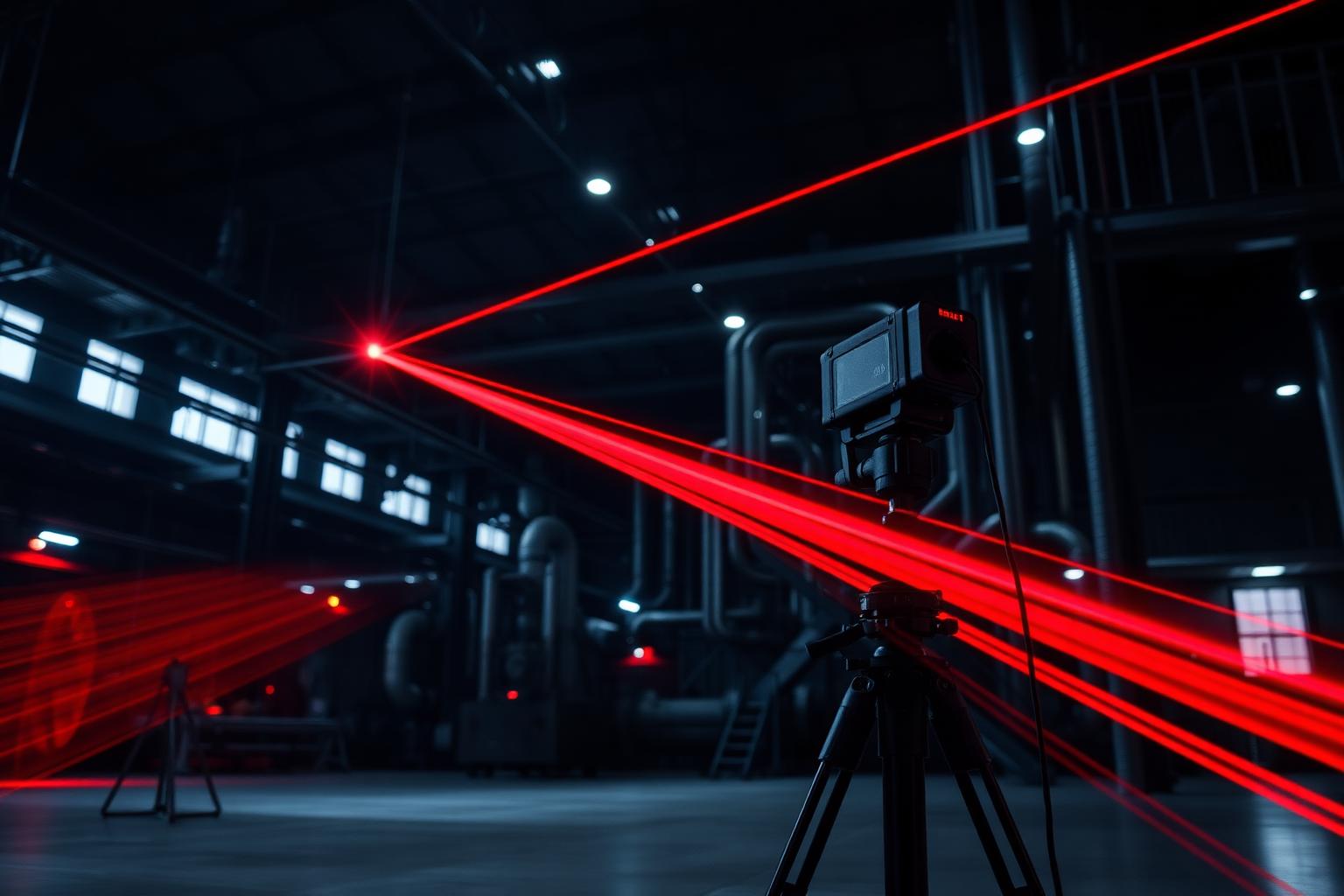
3D Scanning & Reality Capture
Capture real machines, production lines, and facilities as accurate 3D references.
Best fit for equipment that needs more than a static explanation.
TRNSFRM+A/R works best when your product is physical, technical, visual, and difficult to explain quickly without interaction.
- →Machines with internal components, moving parts, or configuration options.
- →Product lines with multiple models, modules, or categories.
- →Systems where buyers need to understand flow, sequence, or layout.
- →Teams presenting equipment in sales meetings, trade shows, or remote calls.
- →Teams training operators, technicians, dealers, customers, or internal staff.
- →Companies that want better product understanding across sales, training, maintenance, and follow-up.
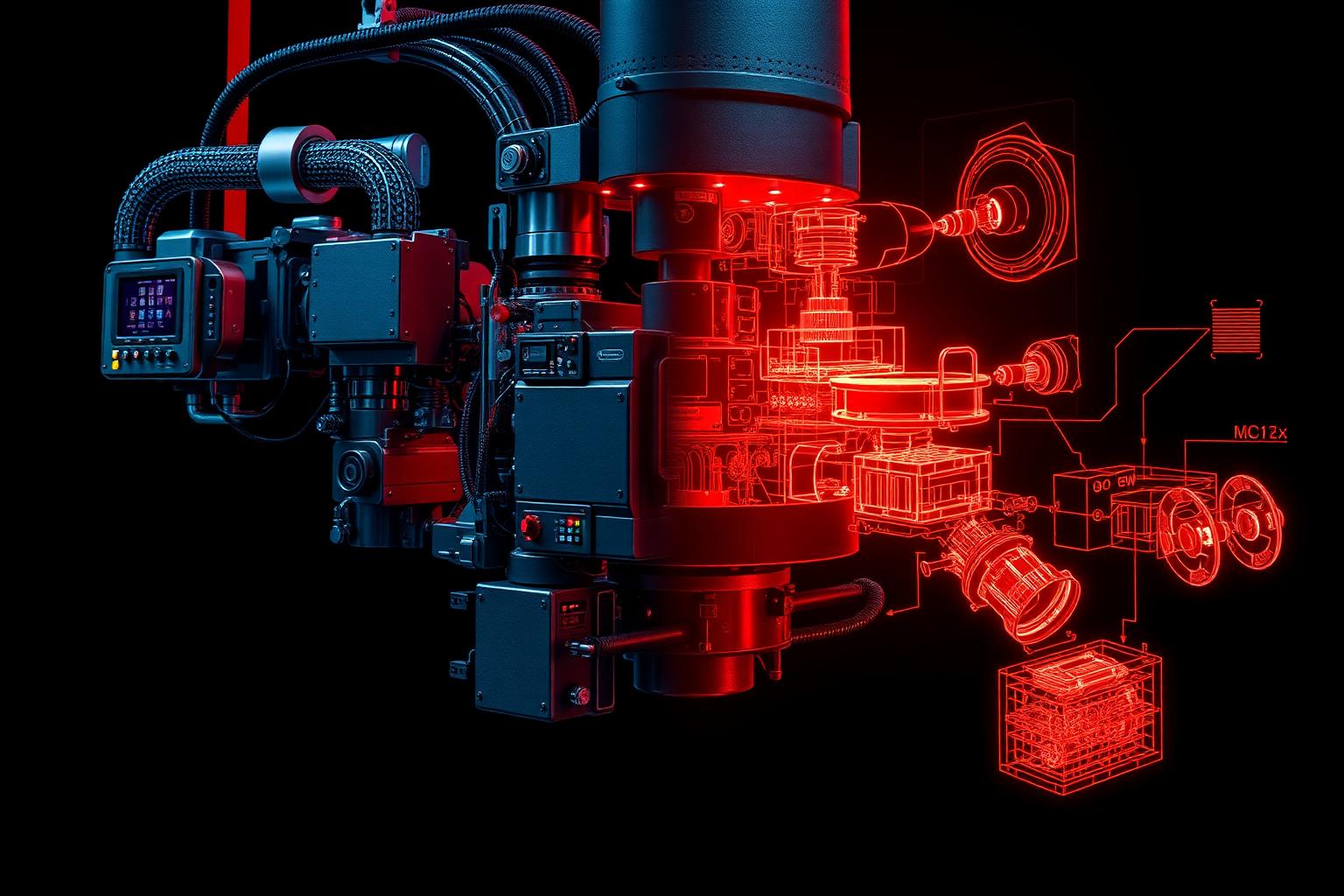
How it works.
Understand the use case
We define who the experience is for and what it needs to help them understand or decide.
Review your existing assets
CAD files, photos, drawings, videos — we start from whatever you already have.
Capture what's missing
If needed, we 3D-scan the real machine, line, or facility to fill in the gaps.
Build the interactive experience
We build the 3D experience, guided flow, training module, scan, or data layer around the actual business goal.
Deploy and iterate
You use it in sales, training, or maintenance. We expand it as your needs grow.
Start with one focused 3D experience.
Send us your use case, upcoming trade show, product line, training challenge, or facility capture need. We'll help you define the smallest useful version to build first.